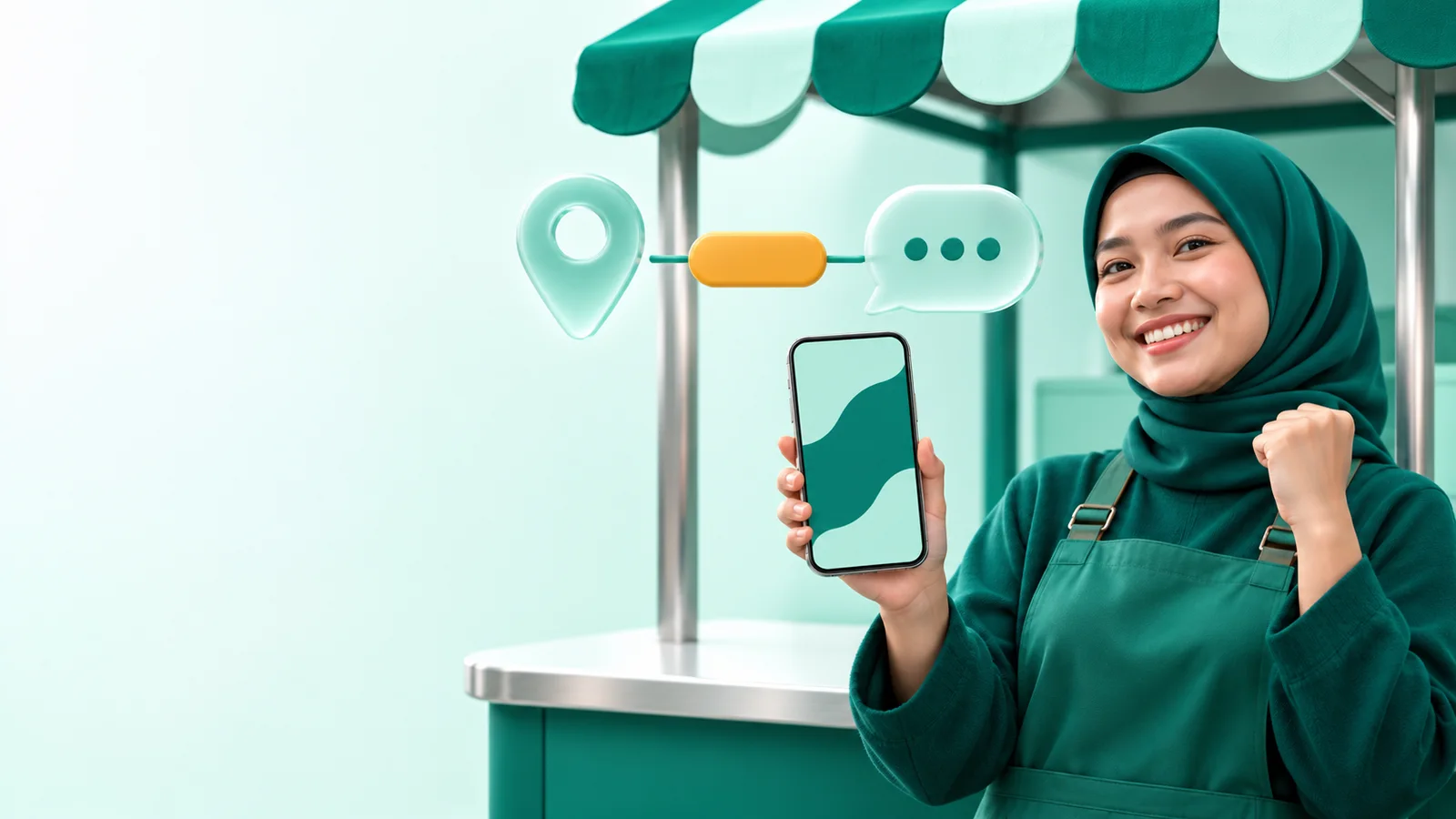
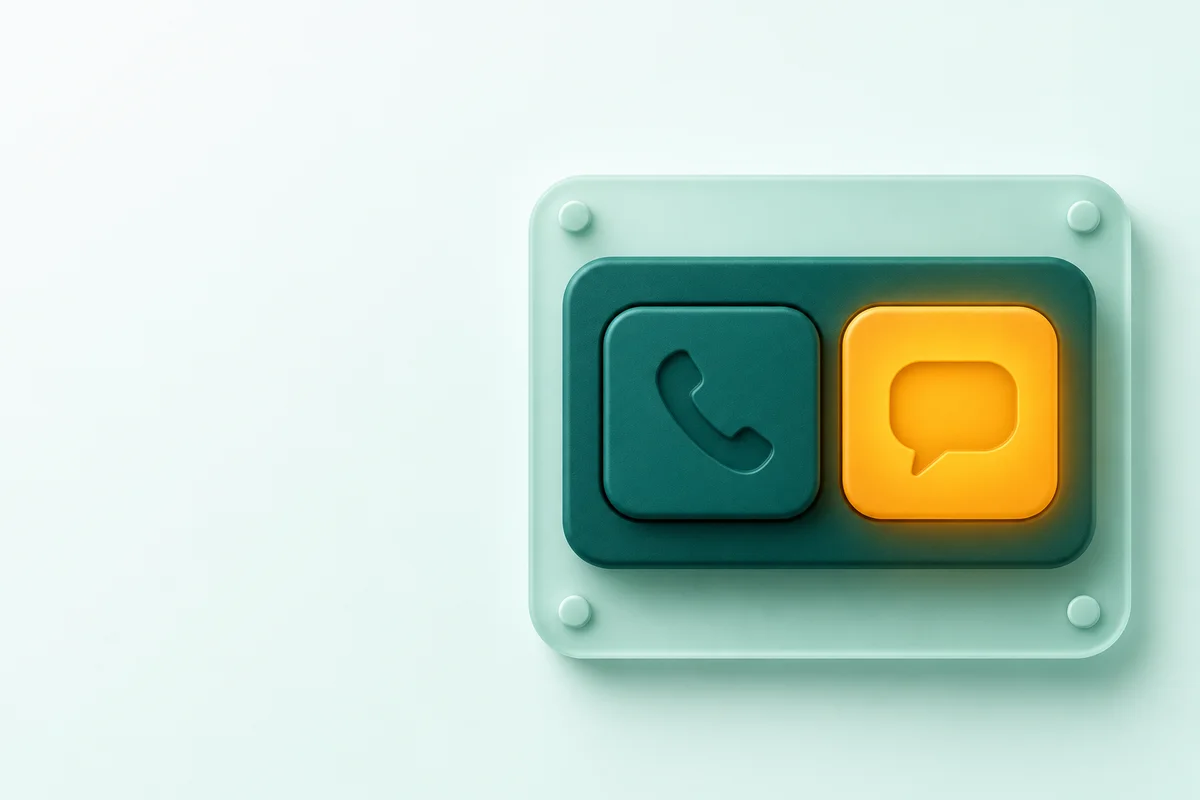
Google Maps on Android and iOS now shows a Message button next to the Call button on business listings. The button opens the WhatsApp or SMS channel that you link in Google Business Profile, so check the Chat setting of your profile this week.
Google announced the change in the Google Small Business Bulletin for November 2026, posted by Lisa Landsman from Google. Search Engine Roundtable reported the change on November 6, 2026.
Google Business Profile is the free business listing from Google that shows in Google Search and Google Maps. The Chat feature of the profile sends customers to the WhatsApp or SMS channel of your business. Your team replies in that channel, not in a Google inbox.
What changed in Google Maps?
The Message button now shows near the Call button, so customers do not scroll through the listing to find chat. The Google bulletin says that before this change, customers had to scroll far down the listing to find chat in Maps.
The Message button shows in 3 places:
- the business listing view,
- the expanded listing header,
- the action bar at the bottom of the screen.
Chat from Google Search was already available. This change makes the chat path in Search and Maps the same.
Is chat available for business listings in Indonesia?
Google does not publish a country list, so check your own listing. The Google help page about chat says that chat options are available in select regions and might not be available for your listing.
Open business.google.com, select Edit profile, then select Contact. If the Chat field shows, the feature is available for your listing. If the field does not show, your listing cannot use the Message button yet.
How to connect WhatsApp to Google Business Profile
You need a claimed and verified business listing and 1 WhatsApp click-to-chat link. Do these 7 steps from the Google help page:
- Open your business listing at business.google.com.
- Select Edit profile, then select Contact.
- Select Edit next to Chat.
- Open the Chat drop-down menu.
- Select WhatsApp or Text message.
- Enter your WhatsApp click-to-chat link or a phone number that can receive SMS.
- Select Save.
Enter only 1 channel. Google says that if you add WhatsApp and SMS, customers see only the SMS option.
What is the effect on cost, measurement, and team work?
The Message button adds an organic chat path from Maps, but these chats arrive in WhatsApp with no source label. This table shows the effect and the action for each area.
| Area | Effect | Action |
|---|---|---|
| Cost | Google does not state a fee for the Message button. WhatsApp cost follows the type of WhatsApp account that you use. | Read our rules for the cost of replies in the WhatsApp API if your number uses the APIAPIThe official door 2 systems use to exchange data, without anybody copying it by hand.Open the glossary. |
| Measurement | The Performance report has a Messages metric, which counts conversations through messages. In WhatsApp, a chat from Maps looks the same as a chat from an ad or a website. | Use a pre-filled text that names Google Maps. Record the source of each chat in your CRM, as our WhatsApp CRM attribution guide shows. |
| Team work | Google calls the button a fallback when the business cannot answer the phone. Thus chats can arrive when the team is busy. | Set an away message in WhatsApp Business. Assign 1 admin and a reply time limit. |
| Many branches | Google lets more than 1 listing use the same WhatsApp link. | Use a different pre-filled text for each branch, so the admin knows the source branch. |
How to tag the Google Maps source on WhatsApp chats
Use a click-to-chat link with a pre-filled text, so the admin knows that the chat came from Google Maps. The official WhatsApp guide to click to chat uses the format https://wa.me/number?text=text, with a full international number and no leading 0, brackets, or dashes.
Example link for 1 branch:
https://wa.me/62812xxxxxxxx?text=Halo%2C%20saya%20lihat%20profil%20Anda%20di%20Google%20Maps
Do these 5 steps to make your link:
- Replace the leading 0 of the number with the country code. For Indonesia, 0812 becomes 62812.
- Write a short pre-filled text, for example "Hello, I saw your listing on Google Maps".
- Change each space to %20 and each comma to %2C.
- Add the branch name to the pre-filled text if you have many branches.
- Save the link in the Chat field, then test the Message button from the Google Maps app on a phone.
The pre-filled text is not full proof, because the customer can delete it before sending. If the text does not show in your test, use a link with no text. Then ask for the source in the first reply.

5 other Google Business Profile updates in the same bulletin
The same bulletin has 5 other updates that change how you manage your listing. This table gives the status from Google and the action that we recommend.
| Update | Status from Google | Action |
|---|---|---|
| Google Business Profile in Gemini | Access with a Google Workspace account is rolling out. Photo and video upload through chat is live. | Ask your Workspace admin to turn on Gemini App access. Then type @Google Business Profile in gemini.google.com. |
| Business hours in plain language | Live. Google changes your schedule text into business hours fields. | Open Edit profile, then Hours, then fill in the Generate your hours section. Check the result before you save. |
| Third-party ordering links | Live for restaurants. You can turn off specific providers from the listing dashboard. | Check each ordering link. Turn off the providers that you do not use. |
| Dietary badges on menus | Live. New badges: Gluten-Free, Dairy-Free, Halal, and Kosher. | Apply the Halal badge only to certified dishes. Google states this rule in the bulletin. |
| Listing appeals tool | Live. You can upload evidence before you send an appeal. | Prepare documents with the same name and address as your listing. Google says that you can send an appeal only 1 time. |
Listing checklist before the Christmas and New Year holidays
Google recommends 5 listing tasks before the year-end holiday season. We adapted the list for local businesses in Indonesia:
- Set special hours for December 25, 2026, January 1, 2027, and the collective leave days that apply to your business.
- Update your holiday menu, services, or product catalog.
- Publish holiday offers with Google Posts.
- Connect WhatsApp in the Chat field, then test the Message button.
- Check the appointment, order, and pickup links in the listing dashboard.
What should you do this week?
Open your business listing today and check the Chat field. If the field is there, connect WhatsApp with a source-tagged link, then test the Message button from a phone. If you manage many branches, our team can help through the Rama Digital Google Maps optimization service.
Questions and answers
Does the Google Maps Message button cost money?
Google does not state a fee for the Message button in the bulletin or in the help page. A cost can come only from WhatsApp, based on the type of WhatsApp account that you use.
Why does the Chat field not show on my listing?
Google says that chat options are available only in select regions and only for claimed and verified listings. Check the verification status of your listing first.
Can I add WhatsApp and SMS at the same time?
Yes, but customers see only the SMS option. Enter only 1 channel, which is the channel that your team checks every day.
How do I know that a WhatsApp chat came from Google Maps?
Use a wa.me link with a pre-filled text that names Google Maps. Record that source in your CRM or chat label, because the customer can delete the pre-filled text.
Can I apply the Halal badge to all dishes?
No. Google says that the Halal and Kosher badges are only for certified dishes, so apply the badge only to dishes with a valid halal certificate.