Short answer: you track a CTWACTWAA Click-to-WhatsApp ad. It sends people from Facebook or Instagram straight into your WhatsApp conversation.How to track CTWA ads ad by capturing the ctwa_clid from the first WhatsApp message, storing it on the lead, and then sending the conversionConversionThe action you count as a result, for example a paid order, a sign-up, or a chat that becomes a qualified buyer.Open the glossary to Meta as a business messaging event. Without that chain, Meta never learns which chat became a buyer.
I write this because the question never changes. "My ads bring plenty of chats, but Ads Manager shows zero conversions." The ads are rarely the problem. The data path is broken.
Limit: tracking repairs the data that Meta receives. Tracking does not repair your offer, your price, or how fast your team replies.
What is a CTWA CLID
CTWA CLIDCTWA CLIDThe unique code Meta attaches to the first WhatsApp message from an ad click. It connects the buyer to the ad.What a CTWA CLID is stands for Click-to-WhatsApp Click ID. It is 1 unique code that Meta attaches to the person who taps your Click-to-WhatsApp ad.
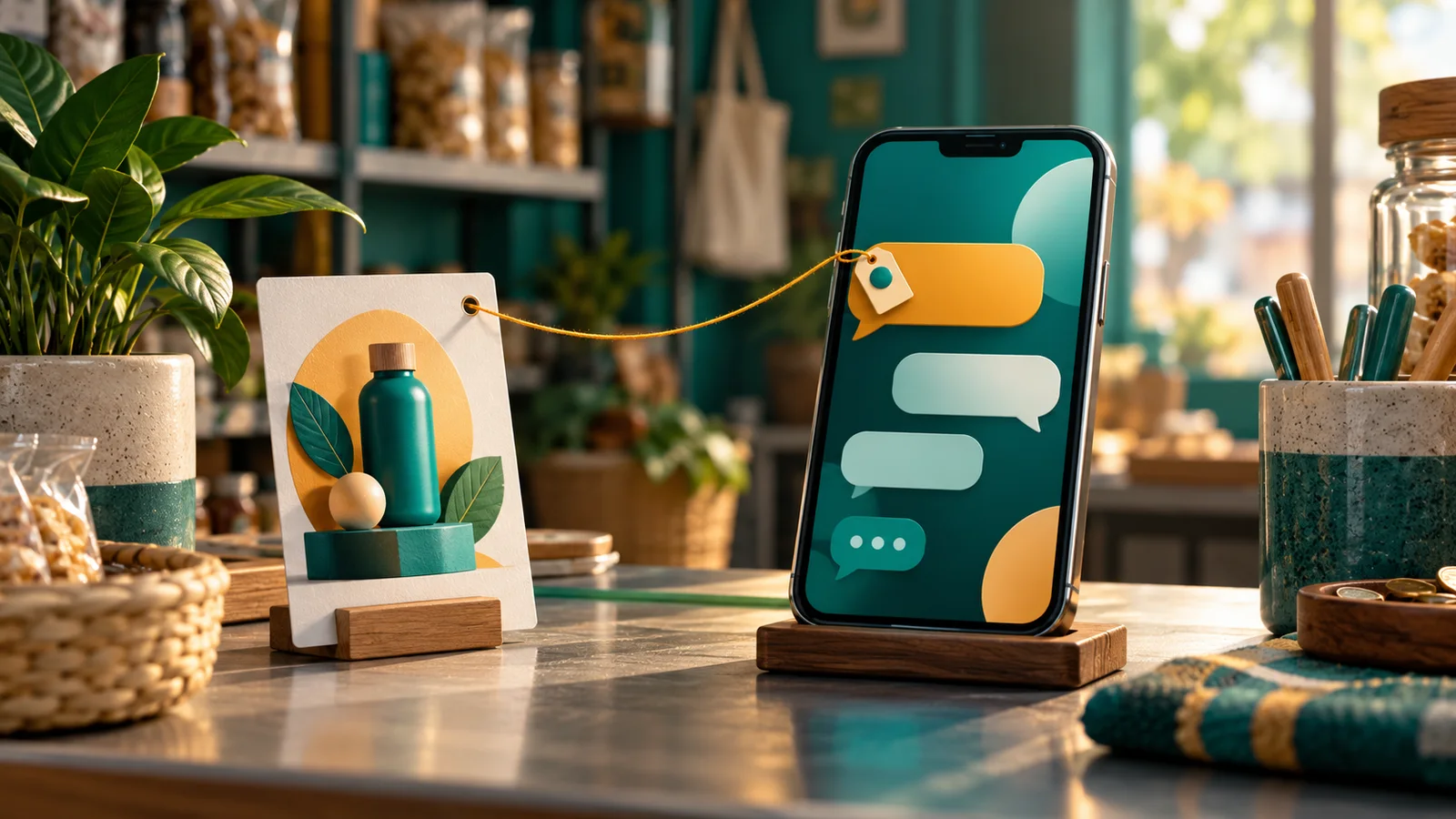
I explain it to clients like this: the CLID is a parcel tracking number. When somebody taps the ad and lands in WhatsApp, Meta attaches that number to the first message. The customer never sees it. It does not appear in the normal WhatsApp app either. It arrives in the webhookWebhookAn automatic message one system sends to another the moment something happens, for example an incoming WhatsApp message.Open the glossary data that reaches your system.
When that person buys later, you send the number back to Meta. Meta reads it and says, "This buyer came from ad number 3." The conversion lands on the correct ad.
When the number is lost, the parcel still arrives, but nobody knows where it came from. That is the state of most CTWA accounts I audit: the sales are real, the records are empty.

Meta documents ctwa_clid as a required field for sending CTWA events through the Conversions APICAPIA server path that sends conversion data from your system to the ad platform, without depending on the buyer browser.What is the Conversions API (CAPI)?, and the value arrives in the message webhook. Read the Conversions API for Business Messaging onboarding guide.
Why your CTWA ads look quiet in Ads Manager
A CTWA ad stops at the WhatsApp door. After the person enters the chat, Meta sees nothing else. Meta does not read the conversation, does not know who paid, and does not know who walked away.
So Meta reports what it can count: conversations started. That number looks cheap and healthy. It also fails to tell you who bought.
Two results follow, and both cost money:
- You decide with chat counts instead of sales. The ad with the cheapest chat often collects people who ask for a price and disappear.
- The Meta algorithm learns from the wrong signal. If you never send buyer data, Meta keeps hunting for people who like to send messages, not people who like to pay.

I cover this "many clicks, few sales" pattern in high clicks, low sales.
How to track CTWA ads, step by step
This is the order I use. The order matters, because step 4 fails when step 2 is incomplete.
- Receive messages through an official API path. A number held manually on an admin phone produces no webhook, so no CLID can be read.
- Connect that number to a system that stores leads. This system captures the
ctwa_clidfrom the first message and keeps it on the contact. - Link your WhatsApp Business Account (WABA) to Meta. Meta uses a separate CTWA dataset, apart from the website pixelPixelA piece of code on a web page that tells the ad platform somebody opened the page or took an action.What is the Meta Pixel?. The link grants permission to send into that dataset.
- Define what you call a conversion. Pick 1 clear point, for example a lead marked qualified or won. Do not send every chat as a conversion.
- Send the event as business messaging, not as a website event. This is the step people get wrong, and the fields are in the next section.
- Check event acceptance in your log, then check Ads Manager separately. These 2 checks answer different questions and people mix them up.
The full technical path for this setup is in the Konektor guide to Click-to-WhatsApp conversion tracking. The order there matches this one, down to the dataset and token step.

3 fields that decide whether your event counts
The gap between "the conversion arrived" and "the conversion is attributed to the ad" sits in these 3 fields.
| Field | Value | What it means for you |
|---|---|---|
action_source | business_messaging | Tells Meta the conversion came from a conversation, not from a website |
messaging_channel | whatsapp | Names the channel, because Messenger and Instagram use other values |
user_data.ctwa_clid | Raw value, not hashed | The tracking number. This field connects the buyer to the ad |
Add the business identity, the WhatsApp Business Account ID, and send the event to the CTWA dataset of your WhatsApp account. The field list and a payload example sit in the Meta documentation and in the Konektor CTWA guide.
One detail people skip: ctwa_clid travels raw. Email and phone must be hashed, the CLID must not. Hash it and Meta no longer recognizes it.
Which WhatsApp partners can read the ctwa_clid
CLID support differs between WhatsApp providers. This table comes from the Konektor documentation, read on 11 September 2026.
| Partner | ctwa_clid detected | Business identity (WABAWABAAn official WhatsApp account for a business. It sends messages through a program, not through a phone app.Open the glossary) |
|---|---|---|
| WhatsApp APIAPIThe official door 2 systems use to exchange data, without anybody copying it by hand.Open the glossary (gateway) | Yes, the most complete | Automatic from the session |
| Qiscus | Yes | Automatic from the webhook |
| Kirimdev | Yes | Automatic from the webhook |
| Halo AI, kirim.chat, Qontak | Yes | Through the WABA link |
| Pancake | Not yet | — |
My advice is simple: choose the partner before you raise the budget. A partner change halfway costs you the lead history, and that hurts more than it looks.
Worked example: 1 lead from click to conversion
This example is a simulation with dummy data, not a client result. Use it to compare against your own account.
Starting condition. A beauty clinic runs 3 CTWA ads. The treatment package costs Rp 1,500,000. The sales team replies from 1 WhatsApp API number.
Day 1. Rina taps ad number 2 on Instagram and sends "Hi, I want to ask about the package". That first message carries the ctwa_clid. The system stores the code on Rina's contact.
Day 3. Rina visits the clinic and pays. The admin sets the lead to won and enters the value Rp 1,500,000.
At that moment. The system sends 1 event to Meta with action_source: business_messaging, messaging_channel: whatsapp, and Rina's ctwa_clid, into the clinic CTWA dataset.
Observable output. The sync log shows 1 Meta CTWA row with the status accepted. A few days later, Ads Manager reports the conversion on ad number 2, not on ad number 1 that collected the most chats.
Decision. The budget moves to ad number 2. Without the CLID, that budget would go to ad number 1, and the clinic would pay more for people who only ask.
How to verify the result without fooling yourself
Many teams stop too early here. A green status on a dashboard is not proof that Meta received the event.
What I check, in order:
- The CTWA readiness status on the WhatsApp number session. This proves the local configuration and nothing on the Meta side.
- The conversion sync log. A row on the Meta CTWA path with the status accepted proves that Meta received the dedicated event.
- The Ads Manager report. Meta counts this inside its own attribution window, so check it separately and give it time.
If your conversions arrive labelled as an ordinary chat event, the lead has a CLID but the CTWA dataset or permission is not ready. The conversion still arrives, yet Meta does not count it as a business messaging conversion. Repair the WABA link, then create 1 fresh conversion as a test.
4 mistakes I keep finding
- Sending every chat as a conversion. Meta then learns to find people who ask questions. Pick 1 conversion point that means money.
- Using the website pixel dataset. CTWA uses its own dataset. An event in the wrong dataset never attributes to the CTWA ad.
- Deleting old leads during a system change. The CLID lives on the lead. Lose the lead and next week the conversion loses its source.
- Judging the result in 2 days. WhatsApp conversations need time. Wait for 1 normal sales cycle, then judge.
Checklist before you raise the CTWA budget
- The business number receives messages through an API path, not an app on an admin phone. Owner: operations.
- A first message from an ad creates a new lead with the CLID attached. Evidence: 1 test lead from your own ad click.
- The WABA is linked to Meta and the CTWA dataset is readable. Owner: marketing.
- Sales and marketing agree on the conversion point. Evidence: 1 written definition.
- A test event is sent and reaches the status accepted on the CTWA path. Evidence: a screenshot of the log.
- The conversion value is filled when your prices differ. Without a value you cannot calculate ROAS.
- An evaluation date is set, for example 14 days. Owner: business owner.
Stop at step 5 when the status never reaches accepted. Raising a budget on a broken data path only enlarges the same loss.
Questions I get often
Is the CTWA CLID the same as fbclid? No. fbclid rides on a click to a website. ctwa_clid rides on a WhatsApp conversation. They do not replace each other.
Do I need a website pixel? Not for CTWA. The path runs from the WhatsApp webhook to the Conversions API. A pixel still helps when you also send people to a landing page.
My number still uses the normal WhatsApp app. Can I track it? You cannot read the CLID. The normal app gives no webhook. You need an official API path through a partner.
How long until the numbers appear in Ads Manager? An accepted event shows in your own log first. The Meta report follows its own attribution window, so allow a few days before judging.
Does this break customer privacy? You send a click ID and a conversion status, not the conversation. Keep asking for consent under your own policy, and never send chat content to an ad platform.
Limits and your next step
CTWA tracking repairs 1 thing: the quality of the data that Meta learns from and that you decide with. It does not make your offer stronger, and it does not close the sale for you.
I promise no specific number either. I promise numbers you can trust, so the next budget decision stops being a guess. How to read those numbers is in how to calculate ROAS and break-even ROAS, and the CRM side is in WhatsApp, CRM, attribution, and measurement.
If you want this path installed once and correctly, that is the work we do in Attribution Bridge. We connect events, leads, and reports into 1 data path, and you keep control of it.
Sources
- Konektor, Click-to-WhatsApp (CTWA) conversion tracking. The CLID path, the CTWA dataset, partner support, and how to read the log.
- Meta, Conversions API for Business Messaging. Required fields, payload example, and API version conditions.
- Meta, Conversions API. The base for sending events from a server.