Direct answer: Run EmbeddingGemma locally through 1 of 4 paths: Ollama, sentence-transformers in Python, llama.cpp, or Transformers.js. For a fast start, update Ollama to the latest 0.40 release, run ollama pull embeddinggemma-2:270m, then call /api/embed.
EmbeddingGemma is an open embedding model from Google DeepMind. It turns text into a vector of 768 numbers for semantic search and RAG. Version 2 also accepts images, video, and audio under the Apache 2.0 license, according to the Hugging Face model card.
We checked the status of each path on 8 November 2026. We tested the Python path on an AMD Ryzen 9 8945H CPU on the same day, and on an RTX 4060 Laptop GPU on 13 October 2026. For the full version 2 features, read our EmbeddingGemma 2 guide for text and photo search.
Which version do you run: EmbeddingGemma 1 or 2?
Choose version 2 for images, audio, code, or long documents, and version 1 for short text. The Ollama model names are different, so check the name before you run a pull.
| Attribute | EmbeddingGemma 1 | EmbeddingGemma 2 |
|---|---|---|
| Ollama name | embeddinggemma | embeddinggemma-2 |
| Parameters | 300M | 270M for text, up to 740M in full |
| Input | Text | Text, code, images, video, audio |
| Context | 2K tokens | 8,192 tokens |
| Size in Ollama | 622 MB | 304 MB (270m) to 1.3 GB (740m) |
| 12-query Indonesian FAQ test | 11/12 through Ollama | 10/12 through Python on GPU |
Sources: the Ollama pages for embeddinggemma and embeddinggemma-2, read on 8 November 2026. The test row comes from our test on 13 October 2026 with a dummy dental clinic FAQ. A gap of 1 query in 12 does not prove that version 1 is better.
You cannot mix version 1 and version 2 vectors in 1 index. When you change versions, rebuild the vectors for all documents.
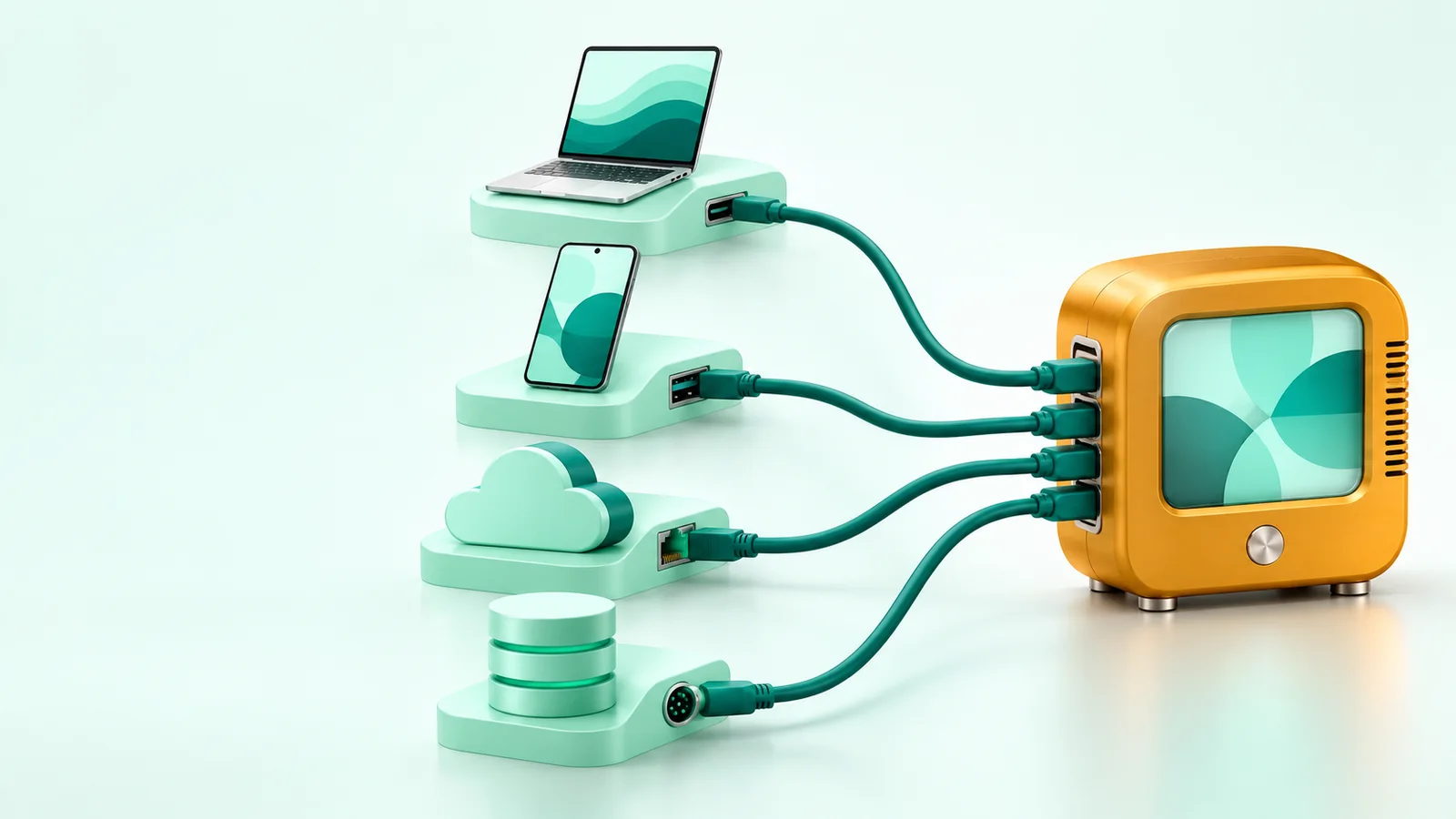
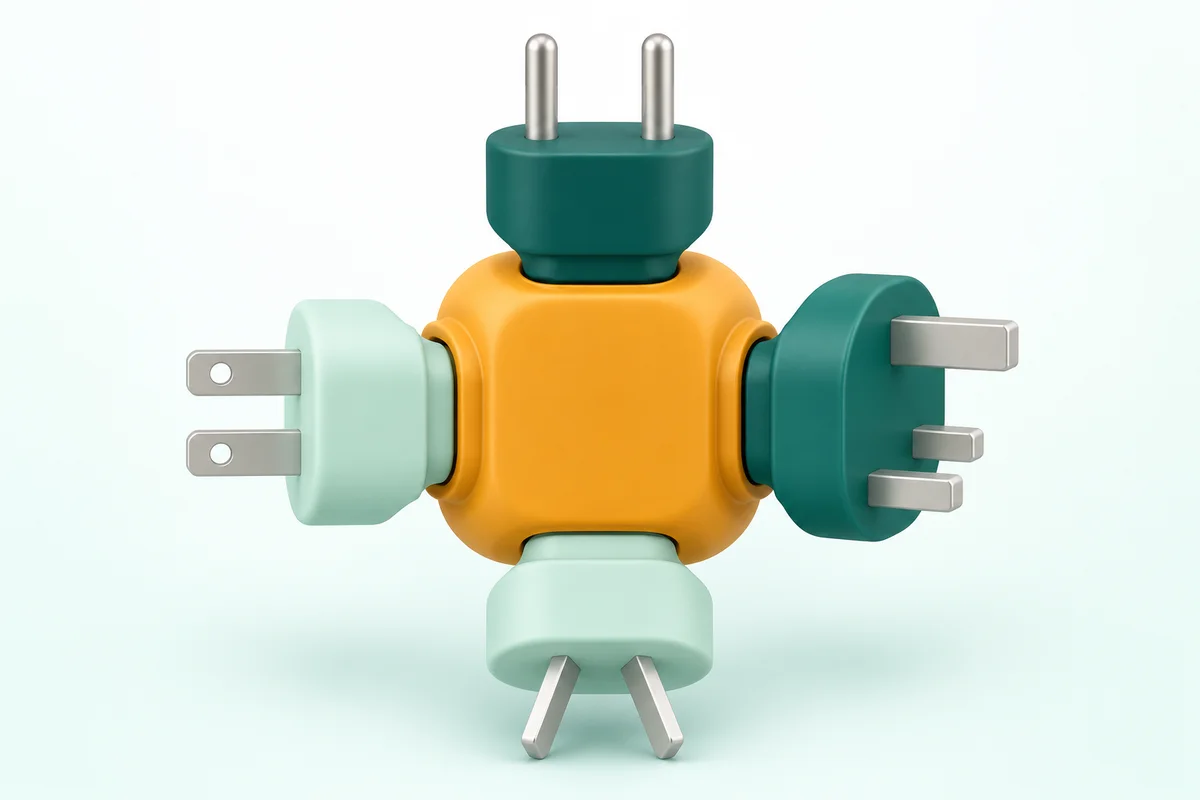
4 paths to run EmbeddingGemma locally
Choose the path from where your application runs: an APIAPIThe official door 2 systems use to exchange data, without anybody copying it by hand.Open the glossary server, a Python script, 1 binary file, or a browser. This table gives the EmbeddingGemma 2 status on each path on 8 November 2026.
| Path | Use it for | EmbeddingGemma 2 status | We tested |
|---|---|---|---|
| Ollama | A local API for any application | Tags 270m, 440m, 570m, and 740m are available | Version 1 only. Ollama 0.32.3 refused version 2 with code 412 |
| sentence-transformers | Control of prefixes, MRL dimensions, and encoders | The official path in the Google model card | Yes: GPU on 13 Oct and CPU on 8 Nov 2026 |
| llama.cpp | 1 binary with no Python, an OpenAI-compatible API | Support came in PR #30054 on 6 October 2026 | Not yet |
| Transformers.js | A browser with WebGPU, or Node.js | ONNX port from onnx-community, q4 to fp32 | Not yet |
Path 1: Run EmbeddingGemma with Ollama
Ollama is the fastest path when your server already uses Ollama for chat models. Check the Ollama version first, because old versions refuse this model.
ollama --version
ollama pull embeddinggemma-2:270m
curl http://localhost:11434/api/embed -d '{
  "model": "embeddinggemma-2:270m",
  "input": ["task: search result | query: is the clinic open on Sunday?"]
}'- Update Ollama to the latest 0.40 release. The last release is 0.40.15 from 3 November 2026.
- Choose the
270mtag for text only. Its size is 304 to 378 MB. - Choose the
440mtag to find photos with a sentence. Its size is 671 to 714 MB. - Write the task prefix inside the input text. A query uses
task: search result | query: .... - Write documents in the format
title: ... | text: ....
The Ollama 0.40.4 release notes from 12 October 2026 add multimodal embeddings through llama-server. On 13 October 2026, Ollama 0.32.3 on our test machine refused the pull with code 412 and asked for a newer version. We have not tested version 2 through Ollama.
Path 2: Run EmbeddingGemma in Python with sentence-transformers
Use sentence-transformers when you need automatic prefixes, dimension cuts, and a choice of encoders. This is the path that we tested for version 2.
uv venv --python 3.12 .venv
uv pip install --python .venv/bin/python torch --index-url https://download.pytorch.org/whl/cpu
uv pip install --python .venv/bin/python -U sentence-transformers transformers
import torch
from sentence_transformers import SentenceTransformer
model = SentenceTransformer(
"google/embeddinggemma-2",
device="cpu",
model_kwargs={"torch_dtype": torch.float32},
config_kwargs={"vision_config": None, "audio_config": None}, # text only, 270M
)
docs = model.encode(
["title: Opening hours | text: The clinic opens Monday to Saturday, 09.00 to 20.00."],
normalize_embeddings=True,
)
q = model.encode("open on Sunday?", prompt_name="SearchQuery", normalize_embeddings=True)
print(model.similarity(q, docs))For an NVIDIA GPU, install a CUDA build of PyTorch and use torch.bfloat16. Do not use float16. The model card says the model activations exceed the float16 range, and our test on 13 October gave NaN on 2 of 6 long texts.
Our test results: CPU and GPU
On a CPU, the 270M text encoder answers 1 query in a median of 44 ms with a peak RAM of 2,628 MB. A GPU embeds short texts about 18 times faster.
| Measure | CPU float32, 8 threads, 8 Nov 2026 | GPU bfloat16 RTX 4060 Laptop, 13 Oct 2026 |
|---|---|---|
| Load time from cache | 2.1 seconds | 1.8 to 2.0 seconds |
| Peak memory | RAM 2,628 MB (whole Python process) | VRAM 526 MB |
| 1 query | Median 44 ms, maximum 46 ms, 20 runs | Not measured |
| Short texts per second | 52 (batch 32) | 959 (batch 64) |
| Top-1 on 12 FAQ queries, 768 dimensions | 9/12, MRR 0.830 | 10/12, MRR 0.872 |
| Top-1 on 12 FAQ queries, 256 dimensions | 9/12, MRR 0.844 | 9/12, MRR 0.844 |
Source: Rama Digital test with torch 2.14.1, transformers 5.19.0, and sentence-transformers 6.1.0. The test data is a dummy dental clinic FAQ with 12 documents and 12 Indonesian queries. The CPU and GPU batch sizes are different, so the 18 times figure is an estimate.
At 52 texts per second, a CPU builds an index of 10,000 short FAQ chunks in about 3 minutes. This step runs once, and long documents take more time.
One query gave a different result on CPU and GPU. For the query "ada kerak keras kuning di belakang gigi bawah" (hard yellow crust behind my lower teeth), CPU float32 chose "Gigi sensitif" (sensitive teeth) with a score of 0.714. The correct answer, "Scaling karang gigi" (tartar scaling), got 0.713.
That gap of 0.001 comes from the precision difference, not from a model difference. Build the index and the queries with the same runtime and precision. Send the chat to an admin when the first and second scores are too close.

Path 3: Run EmbeddingGemma with llama.cpp
Use llama.cpp when you want 1 binary with no Python and an OpenAI-compatible API. EmbeddingGemma 2 support came in PR #30054 on 6 October 2026.
curl -LsSf https://llama.app/install.sh | sh
llama serve -hf ggml-org/embeddinggemma-2-GGUF
curl http://localhost:9931/v1/embeddings \
  -H "Content-Type: application/json" \
  -d '{"input": ["task: search result | query: is the clinic open on Sunday?"]}'
The llama serve command comes from the ggml-org/embeddinggemma-2-GGUF page. The default server port is 9931, according to the llama.cpp server README. The /v1/embeddings endpoint returns normalized vectors.
Image input uses a content object and a multimodal model loaded with --mmproj, according to the same README. We have not tested this path.
Path 4: Run EmbeddingGemma in the browser or Node.js
Use Transformers.js when data must stay on the user device and you do not want to run a server. The onnx-community/embeddinggemma-2-ONNX port runs on WebGPU, WASM, or the Node.js CPU.
npm i @huggingface/transformers

import { pipeline } from "@huggingface/transformers";

const extractor = await pipeline(
  "feature-extraction",
  "onnx-community/embeddinggemma-2-ONNX",
  { device: "webgpu", dtype: "q4" }, // Node.js: device "cpu"
);
const out = await extractor(
  ["task: search result | query: is the clinic open on Sunday?"],
  { pooling: "mean", normalize: true },
);
Choose the dtype from download size and quality. According to the ONNX port model card, the q4 text model is 175 MB with a worst-case cosine similarity of 0.988 to fp32. The q8 text model is 314 MB, with a worst case of 0.9997.
Checklist before customers use it
Record these 5 items before the index serves customers. Each item stops search results from changing with no sign.
- Record the runtime, version, dtype, and dimension in the index metadata.
- Use the same model, prefix, dimension, and precision for documents and queries.
- Rebuild the full index when you move from version 1 to version 2.
- Test 20 real customer questions, then record the first and second scores.
- Set a minimum score gap before the bot answers without an admin.
Questions and answers
Can EmbeddingGemma run without a GPU?
Yes. On an AMD Ryzen 9 8945H CPU, the 270M text encoder answered 1 query in a median of 44 ms and embedded 52 short texts per second in our test on 8 November 2026.
Why does ollama pull embeddinggemma-2 fail with code 412?
Code 412 means that your Ollama version is too old for this model. Update Ollama to the latest 0.40 release, then run the pull command again.
How much memory does EmbeddingGemma 2 need?
On a CPU in float32, the Python process used a peak RAM of 2,628 MB for the text encoder. On a GPU in bfloat16, peak VRAM was 526 MB for text and 1,442 MB for the full model.
Can I mix EmbeddingGemma 1 and 2 vectors?
No. The 2 versions make different vector spaces, so rebuild the vectors for all documents before you change versions.
Which path is the fastest to start?
Ollama is the fastest when your server already uses it: 1 pull command and 1 API call. Use sentence-transformers when you need control of prefixes and dimensions.
Next step
Start with Ollama or Python on 1 laptop, then test 20 real customer questions before you choose a server. For machine specifications, read local AI server specifications for Gemma and a knowledge base (Indonesian). For company document search inside your own network, see the company local AI server service or book a 30-minute call.
Sources
- Hugging Face: google/embeddinggemma-2 model card, read on 8 November 2026.
- Ollama: embeddinggemma-2 tags and embeddinggemma, read on 8 November 2026.
- Ollama release notes: 0.40.4 (12 October 2026) and 0.40.15 (3 November 2026).
- llama.cpp: PR #30054 (6 October 2026) and the server README, read on 8 November 2026.
- Hugging Face: onnx-community/embeddinggemma-2-ONNX, read on 8 November 2026.
- Rama Digital tests: RTX 4060 Laptop GPU on 13 October 2026 and AMD Ryzen 9 8945H CPU on 8 November 2026.