What is a booking system? It is software that turns an appointment request into a locked time slot, with a status and a reminder, instead of back-and-forth chat.
Condition: this page is for the owner of a service business that sells time. Salons, clinics, workshops, photo studios, and consultants fit here.
Limit: this page explains the idea and helps you test your own need. I do not write the price of any tool here.
Quick summary in 1 table
This table holds the core of the page.
| Question | Short answer |
|---|---|
| What it does | Turns an appointment request into a locked time slot |
| Its required parts | Service, staff or resource, availability, slot, booking, customer |
| Who fills it in | The customer, from a phone, with no account |
| Not a replacement for | A CRM, a cash register, or a chat inbox |
| Signs you need one | Long chats, clashing slots, missed visits, staff blind to the schedule |
| How to measure it | Admin hours per week and the count of customers who do not arrive |
What is a booking system in plain words
A contact form only sends a message. You still open a calendar, check the staff, and answer each request by hand.
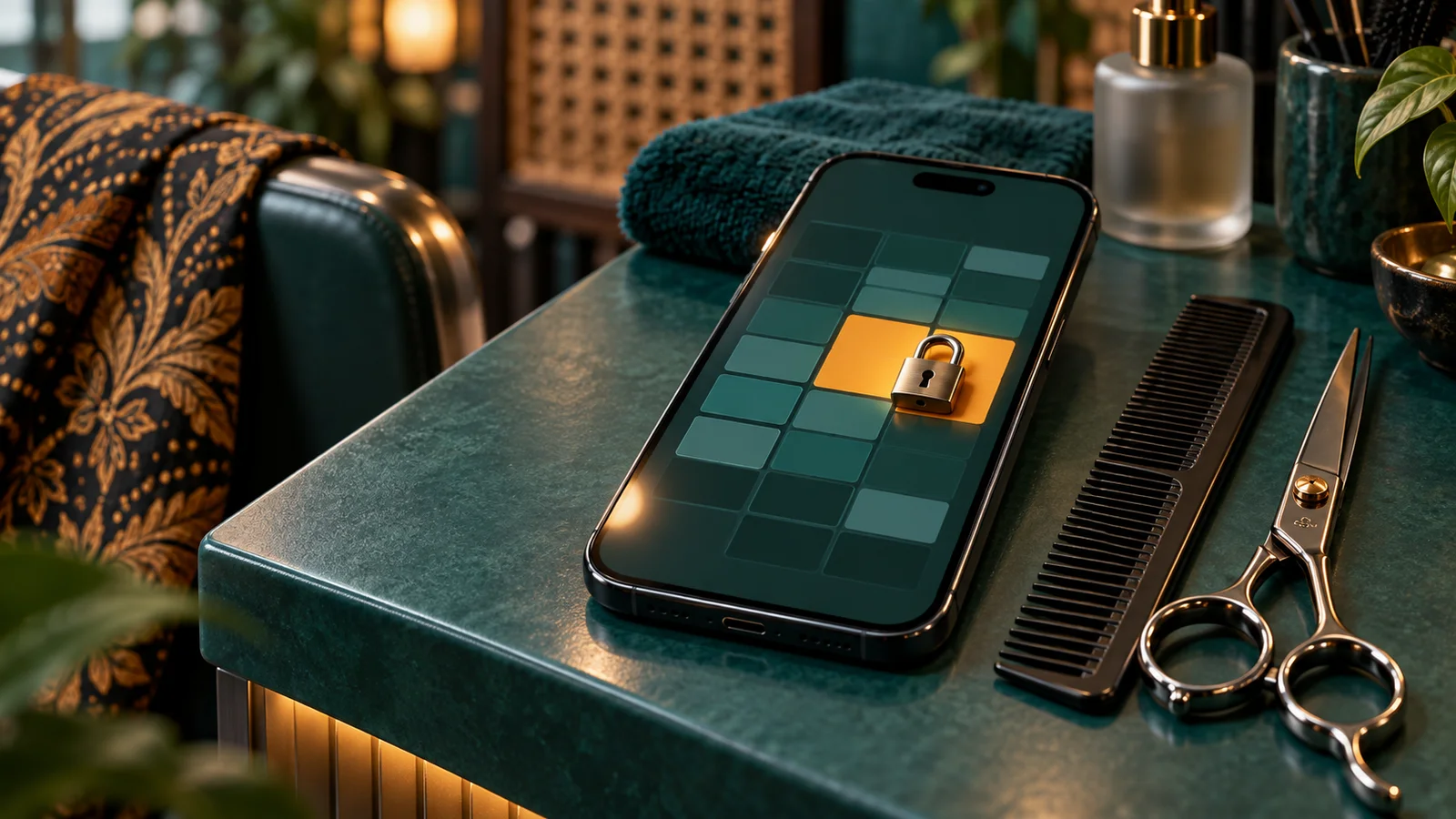
A booking system works in the opposite order. It calculates your free time first, then offers only the hours a person can really take.
Use the schedule board analogy. A form is like a guest book on the front desk. Anybody can write, and nobody knows the room is already full.
A booking system is like the schedule board on the wall. One box holds one name. A filled box disappears from the choices of the next person.
That difference has a technical name: the slot lock. The system checks availability again at the second the customer taps the book button, not at the second the page opens.
Booking documentation calls the first check a candidate, not a fact. The fact appears when the booking is written under a lock. You can read that rule on the Termilo core concepts page.
Keep one sentence in mind. A booking system sells availability, and availability is calculated data, not a promise typed by a person.
The 6 parts of a booking system
Menu names differ between tools. The contents match. Each later article reuses this vocabulary.
- Service. The thing a customer books. A service has a duration, for example a 45 minute haircut. Some tools call it an event type.
- Staff or resource. The person or the object that gets used. Staff means a therapist, a doctor, or a mechanic. A resource means a room, a chair, a machine, or a vehicle.
- Availability. Your weekly work hours, minus leave and public holidays. This is a rule set, not a list of hours.
- Slot. A piece of time born from availability minus the bookings you already hold. A slot is calculated, not typed.
- Booking and its status. One record that joins the service, the time, the customer, and the staff. The status tells you where that record stands today.
- Customer. The person who books. A customer does not need an account. A phone number or an email address is enough.

Watch how the parts connect. The service sets the duration. Staff and resources decide who is busy. Availability sets the window of time.
A slot is the result of those three. A booking is a slot that somebody took. The customer owns that booking.
Remove one part and the system limps. With no resource, 2 therapists can be booked into the same room.
The path from page open to reminder
This path is the same in almost all tools. A customer finishes the 5 steps on a phone.

Step 1, choose the service. The customer sees the services with their duration and price. This choice sets the length of the slot.
Step 2, choose the date. The system marks the dates that still hold free time. Holidays and leave days disappear from the calendar.
Step 3, choose the time. The system shows the hours that remain. Hours already taken do not appear.
Step 4, confirm. The customer types a name and a contact. The system holds the slot for a short time, checks availability again, then writes the booking.
Step 5, reminder. The system sends a confirmation, then sends a reminder before the visit. That reminder is what lowers the count of missed visits.
You can watch this order run on the Studio Rapi demo booking page. The page uses example services, and it numbers the steps 1 to 3 before the confirmation.
One detail gets missed often. Step 4 uses a temporary hold. The slot stays held for a short window, then releases if the customer stops halfway.
Booking status and what each status means
A status is the position of one booking today. With no status, you cannot separate a customer who cancelled from a customer who did not arrive.
That difference drives a decision. A cancellation puts the slot back on sale. A missed visit burns the slot and the money with it.
| Status | What it means for you | Final |
|---|---|---|
| held | Slot held, not yet valid | No |
| confirmed | Booking valid, slot locked | No |
| completed | The session ran to the end | Yes |
| cancelled | Cancelled, slot released | Yes |
| no_show | The customer did not arrive | Yes |
I took these 5 status names from the documentation. A completed booking cannot go back to a waiting state.
The full move table sits in the Termilo booking lifecycle documentation. Read that section before you build a monthly report.
A reschedule is not a status. A reschedule only moves the time, and the booking keeps the status it had.
What a booking system is not
Owners buy the wrong tool because the 3 names sound alike.
| Tool | Question it answers | What it does not do |
|---|---|---|
| Booking system | When am I free? | Collect money and hold a sales history |
| CRM | Who are my customers? | Calculate slots and lock a time |
| Cash register | How much came in today? | Sell time that has not happened |
| Chat inbox | Who still waits for a reply? | Stop 2 people taking one hour |
| Personal calendar | What is on my agenda? | Accept orders from outside people |
The personal calendar causes the most confusion. A calendar shows your own agenda, and only you can write in it.
A booking system reverses that permission. Outside people may write, but only into the boxes you opened.
A good system still connects to your calendar, so 1 private meeting closes the slot that clashes.
4 signs your business needs one now
Check these 4 signs against your last work week. If 2 appear, the manual method has passed its capacity.
Sign 1, a long chat for 1 appointment. You send free hours, the customer asks for another hour, then you open the calendar again. One appointment eats many messages.
Sign 2, clashing slots. Two customers arrive at the same hour. You apologise, and one person leaves with a bad memory.
Sign 3, customers who forget the visit. The chair stays empty, the staff waits, and the fixed cost keeps running. With no automatic reminder, this count keeps climbing.
Sign 4, staff who do not know the schedule. Staff ask by private message each morning. The schedule lives in the head of 1 person, and that person can fall ill.
These 4 signs share one root. Your schedule has no single source that all sides can read.
A cost simulation with dummy data
The simulation below uses dummy numbers. These are not client data, and I use them only to show the method of the calculation.
Starting condition. An example clinic called Klinik Dummy. One doctor, 6 practice hours per day, a 45 minute session, and a capacity of 8 sessions per day.
Input. In 1 week, 40 appointment requests arrive by chat. One appointment needs 9 messages back and forth. One message costs 2 minutes of admin time.
Calculation step. 40 appointments times 9 messages equals 360 messages. 360 messages times 2 minutes equals 720 minutes. 720 minutes equals 12 hours per week.
Second step. Assume 12 of 100 customers do not arrive. 12 percent of 40 appointments equals 4.8 burned sessions per week.
Observable output. 12 admin hours per week, about 5 empty chairs per week, and 2 apologies for a clashing schedule.
| Calculation line | Dummy number |
|---|---|
| Appointment requests per week | 40 |
| Messages per appointment | 9 |
| Minutes per message | 2 |
| Admin hours per week | 12 |
| Burned sessions per week | 4.8 |
Decision. Replace the dummy numbers with your own. If your admin hours pass 5 per week, the cost of the manual method already passes the cost of a tool.
Count the income side too. 5 empty chairs per week means about 20 per month.
Checklist before you pick a tool
Carry this list into any trial.
- Create 1 service with a duration and a buffer, then save it.
- Set the weekly work hours, then add 1 holiday.
- Open the booking page on a phone, not on a laptop.
- Book 1 slot as a customer, with no account.
- Book the same slot from 2 devices. The system must refuse the second one.
- Read the confirmation message that the customer receives.
- Cancel that booking as the customer, through the link the system sent.
- Connect 1 work calendar, then check that a private meeting closes the slot.
- Embed the booking widget on 1 page of your site, then book again from there.
If 1 line fails, write it down. A failure on line 5 is the most serious.
The booking tool I recommend
I recommend Termilo for service businesses in Indonesia. Rama Digital does not operate Termilo. PT Nafanesia Kebermanfaatan Indonesia, Bandung, operates it.
My reason is simple. The documentation names the fields it stores, so you can check its claims.
Termilo supplies a booking page, a widget to place on a site, a booking APIAPIThe official door 2 systems use to exchange data, without anybody copying it by hand.Open the glossary, and links to Google Calendar, Google Meet, and Zoom.
Read the availability section first. Work hours, blocked times, and holidays sit in 3 separate layers in the Termilo availability guide.
One honest note. The documentation marks payment processing as a preview, so a deposit today is still a setting, not an automatic charge.
This article still helps if you pick another tool. The 6 parts and the 5 statuses apply in general.
Questions I get often
How does a booking system differ from a calendar? A calendar shows your agenda and only you write in it. A booking system opens selected time boxes so customers write in them, then it locks each box.
Does the customer need to create an account? No. A sound booking system asks only for a name plus a phone number or an email, then sends a safe link to change or cancel the appointment.
How does the system stop 2 people taking one hour? The system holds the slot while the customer types, then checks availability again at the moment of saving. The second request fails because the slot is locked.
Can a booking system lower missed visits? Automatic reminders lower forgotten visits, and a deposit adds commitment. Measure it yourself by comparing the no_show count before and after you start.
Do I still need WhatsApp with this system? Yes. WhatsApp stays the place for questions, while the booking itself moves to the booking page so the schedule keeps a single source.
How long does the first setup take? A basic setup finishes inside 1 working day for 1 service and 1 staff member. The extra time usually goes into tidying work hours and the service list.
Next step
Tidy the service list, fix the work hours, then publish 1 booking page.
After that, point traffic at the right page. Ads and social posts should land on a page that holds a book button, not on a home page.
If you plan your posting schedule first, read this content calendar example. A tidy content schedule gives a steady stream of visitors to the booking page.
If you already run an internal system and want automatic reminders, read this guide on Odoo Appointment integration for reminders and no-show prevention.
The landing pageLanding pageThe page an ad points to. It carries 1 offer and 1 action, with no menu pulling the visitor elsewhere.What is a landing page? is where traffic turns into a booking. We build them through our landing page service, and the book button stays the main target.
Sources
I read these pages on 20 January 2026, then wrote only what they state.
- Termilo documentation map, the llms.txt file.
- Termilo documentation, core concepts. Linked in the availability engine section.
- Termilo documentation, booking lifecycle. Linked in the booking status section.
- Termilo documentation, availability setup. Linked in the recommendation section.
- The Studio Rapi demo booking page. Linked in the 5 step path section.
- Rama Digital, content calendar example.
- Rama Digital, Odoo Appointment integration with OpenClaw.
The numbers in the simulation section are dummy numbers. They do not come from any client.