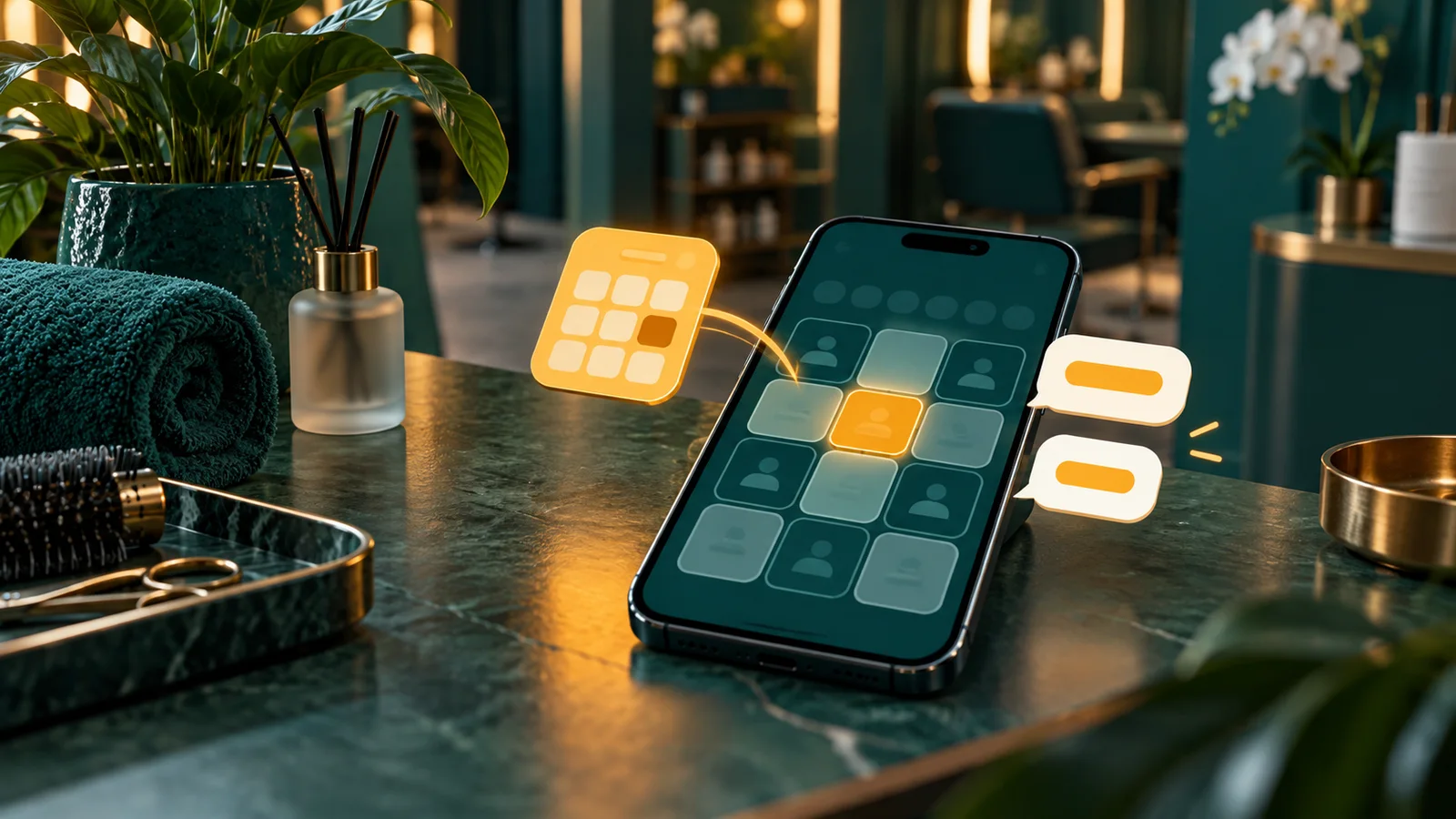
A booking system is software that turns an appointment request into a recorded and locked time slot. Customers can view availability, choose a time, receive confirmation, and change a reservation without waiting for an administrator.
For a service business, an online booking system manages services, staff or resources, availability rules, slots, customer details, and reservation status in one workflow. It is not only a contact form or personal calendar.
What does a booking system do?
A booking system calculates the time a business can sell. It reads work hours, service duration, buffers, holidays, staff schedules, and existing reservations. Customers see only available slots.
When a customer chooses a time, the system checks availability again before saving the reservation. This second check prevents two customers from taking the same slot. Our earlier guide explains the foundation in what a booking system is.

| Component | Function | Example |
|---|---|---|
| Service | Sets duration and rules | 60-minute consultation |
| Staff or resource | Defines who or what is used | Doctor, room, vehicle |
| Availability | Limits bookable time | Monday-Friday, 09:00-17:00 |
| Slot | Shows a calculated time | 10:00-11:00 |
| Reservation | Locks a slot and stores status | Confirmed or cancelled |
How does a booking system work?
- Select a service. The choice sets duration, price when applicable, and staff or resources.
- Calculate slots. The system subtracts reservations, leave, holidays, and blocked time from work hours.
- Select a time. The customer sees remaining slots on a phone.
- Lock the reservation. The system checks again and stores the data and status.
- Send confirmation. The customer receives details, reminders, and a change link.

What are the business benefits?
Official VisitScotland guidance, updated on 2 July 2025, states that a reservation system can reduce administration, update availability faster, prevent repeated data entry, help control customer flow, and provide data for staff planning. It also places online booking and payment within operational business growth. Read the VisitScotland booking guidance.
- Reservations do not depend on administrator hours. Customers select a slot when the page is available.
- Schedule conflicts decrease. The system does not offer a locked slot again.
- Administration is shorter. Confirmation, reminders, cancellation, and rescheduling use one workflow.
- Capacity is easier to inspect. Owners see busy hours, empty hours, cancellations, and no-shows.
Mindbody updated its industry guidance on 17 March 2026. The vendor lists 24-hour booking, real-time calendars, automated reminders, waitlists, and payment integration as supporting functions. Treat these statements as vendor documentation, not a result guarantee. Read the Mindbody booking guide.
How does it differ from a calendar, CRM, or form?
| Tool | Main question | Limit |
|---|---|---|
| Booking system | When can a customer book? | Does not replace full sales history |
| Calendar | What is on the owner's agenda? | Does not always open safe public slots |
| CRM | Who is the customer? | Does not always calculate availability |
| Form | What does the customer request? | Does not lock time |
When does a business need one?
Use a system when manual scheduling adds risk or work. Clear signs include a long chat for one appointment, two customers receiving the same time, forgotten visits, or staff asking for the schedule each day.
Before buying, measure administration time and lost slots for one week. This baseline lets you assess change after implementation.
Selection checklist
- Create one service with its duration and buffer.
- Set work hours, leave, holidays, and blocked time.
- Test the page from a phone without an account.
- Book the same slot from two devices. The second attempt must fail.
- Check confirmation, reminders, cancellation, and rescheduling.
- Confirm that the owner can export data and inspect staff access.
Use our 12-point booking system checklist to compare functions against processes rather than feature counts.
Common questions
Is a booking system the same as an online calendar?
No. A calendar shows an agenda. A booking system calculates public slots and locks a slot after confirmation.
Must customers create an account?
Not always. A name and contact channel are enough for a simple reservation.
How does it prevent double booking?
It checks availability when the page opens and again when the customer confirms. A successful reservation locks the slot.
Can it reduce no-shows?
Reminders and rescheduling links can help customers act earlier. Measure the effect with the business's own data.
Operational conclusion
A booking system is useful when a business sells time and manual work causes conflicts, slow administration, or unclear capacity. Start with one service, measure a one-week baseline, and run a limited test.
If you need a website, calendar, CRM, or payment workflow, discuss web system development with Rama Digital.