Hermes AgentAI agentAn AI program that performs work steps by itself, for example reading a message, drafting a reply, and recording the result.Open the glossary 0.22.6 shipped on 2 November 2026 as a stable patch release that collects 776 PRs since version 0.22.5. For teams that run cron jobs on a VPS, it brings 4 main changes: a missed-run policy, a command that stops a stuck run, skill locks, and a hook that blocks a prompt before the model starts.
Hermes Agent is an open-source AI agent from Nous Research under the MIT license. It runs on a laptop, a VPS, Docker, or Hermes Cloud, and it accepts commands through the CLI, Telegram, WhatsApp, or the Desktop app. The cron feature lets the agent run scheduled tasks, for example a morning brief or a weekly report.
What changed in Hermes Agent 0.22.6?
Hermes Agent 0.22.6 adds cron controls, skill locks, a prompt-blocking hook, and a keychain option for the vault key.
The v0.22.6 release notes on GitHub count 3,448 commits, 776 PRs, and 385 closed issues in this window. The release notes are short on purpose, and the full notes ship with v0.23.0. Thus we took the details below from the official Hermes documentation on 3 November 2026.
| Change | Command | Most useful for |
|---|---|---|
| Missed-run policy for each job | hermes cron edit <job> --catch-up off | Jobs that have no value when late, for example a morning brief |
| Stop a stuck run | hermes cron cancel <job> | Jobs that wait for an APIAPIThe official door 2 systems use to exchange data, without anybody copying it by hand.Open the glossary or a model that does not respond |
| Skill lock | hermes curator lock <skill> | Skills that hold a procedure the agent must not change |
| Block a prompt before the model | Hook pre_llm_call with action: block | Teams with customer data rules |
| Vault key in the keychain | hermes vault key migrate --to keychain | A laptop or desktop, not a VPS without a display |
The same release also adds hermes webapp, /model reset, and hermes migrate for Grok Bot and OpenBot users. This article covers the 5 changes in the table, because they change how you operate the agent every day.
How does Hermes handle a missed cron run after a server restart?
When the gateway is down at a scheduled time, a recurring job does 1 catch-up run after the scheduler starts again.
Hermes does not do 1 run for each missed slot. A long outage becomes 1 run, and a paused job never catches up. In 0.22.6, you can set this behavior for each job:
hermes cron create "0 7 * * 1-5" "Morning brief" --catch-up off
hermes cron edit <job> --catch-up on
--catch-up offskips the missed slot. Use it for a morning brief that has no value when it is late.--catch-up onruns the job 1 time when the server comes back. Use it for a weekly report that must exist.- Without the option, the job follows the global setting
cron.catch_up_missed. The default value istrue.
The Desktop app has the same choice in the job editor, under Missed runs. Each missed slot now shows as a missed ×N row in hermes cron runs <job>. Source: Hermes cron documentation.
Example in daily use
Users reported silent cron problems before this release. In issue #78986 on 5 August 2026, a user reported a weekly report that failed without an alert. The user found the failure days later in hermes cron list.
Example: your VPS restarts at 06:55 for an update, and the morning brief runs at 07:00. Set --catch-up off if a late brief only confuses the team. Set --catch-up on on the weekly report, because a late report is better than no report.

How do you stop a stuck cron run?
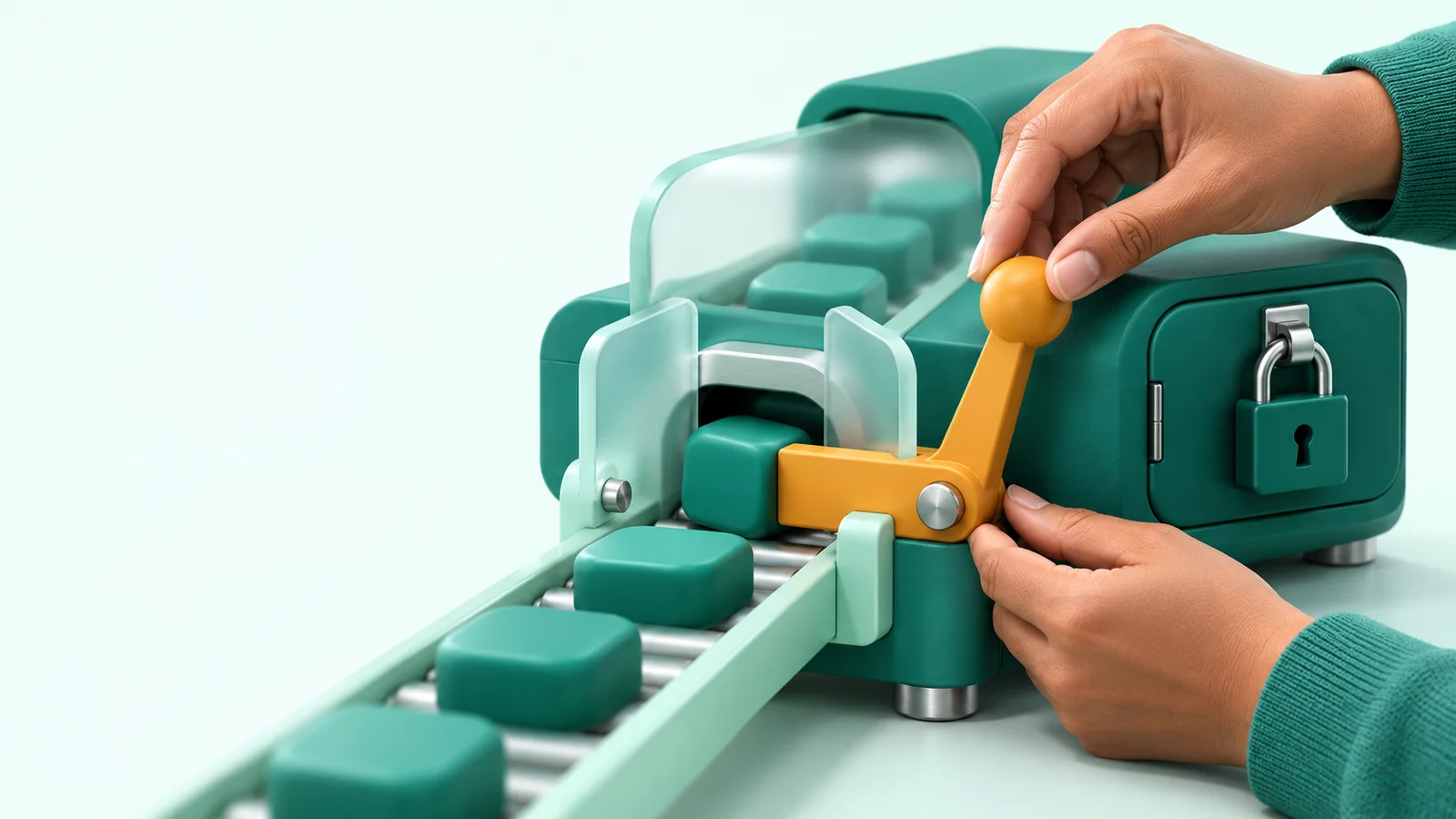
The hermes cron cancel command stops the run in progress, and the job schedule stays active for the next run.
hermes cron cancel <job> --reason "staging API does not respond"- Script jobs: Hermes sends
SIGTERMto the full process group, thenSIGKILLafter a grace period. - Agent jobs: Hermes interrupts the current turn at its next checkpoint.
- The run gets a
cancelledrecord with the reason. It sends no failure alert and does not add to the failure streak. hermes cron removenow also stops a live run, so the job does not spend tokens on a result that nobody keeps.
Know the limit: cancel stops the run, but it does not undo actions that already occurred. A message that the job sent stays sent.
This feature answers a real problem. In issue #145564 on 27 October 2026, a 10-minute job on version 0.21.3 stalled on a model stream that did not respond. The log shows 161 restores of the same slot in 160 minutes, and the job did not run normally in that period.
The issue is still open on 3 November 2026. Continue to monitor your jobs with hermes cron doctor.
When should you lock a skill?
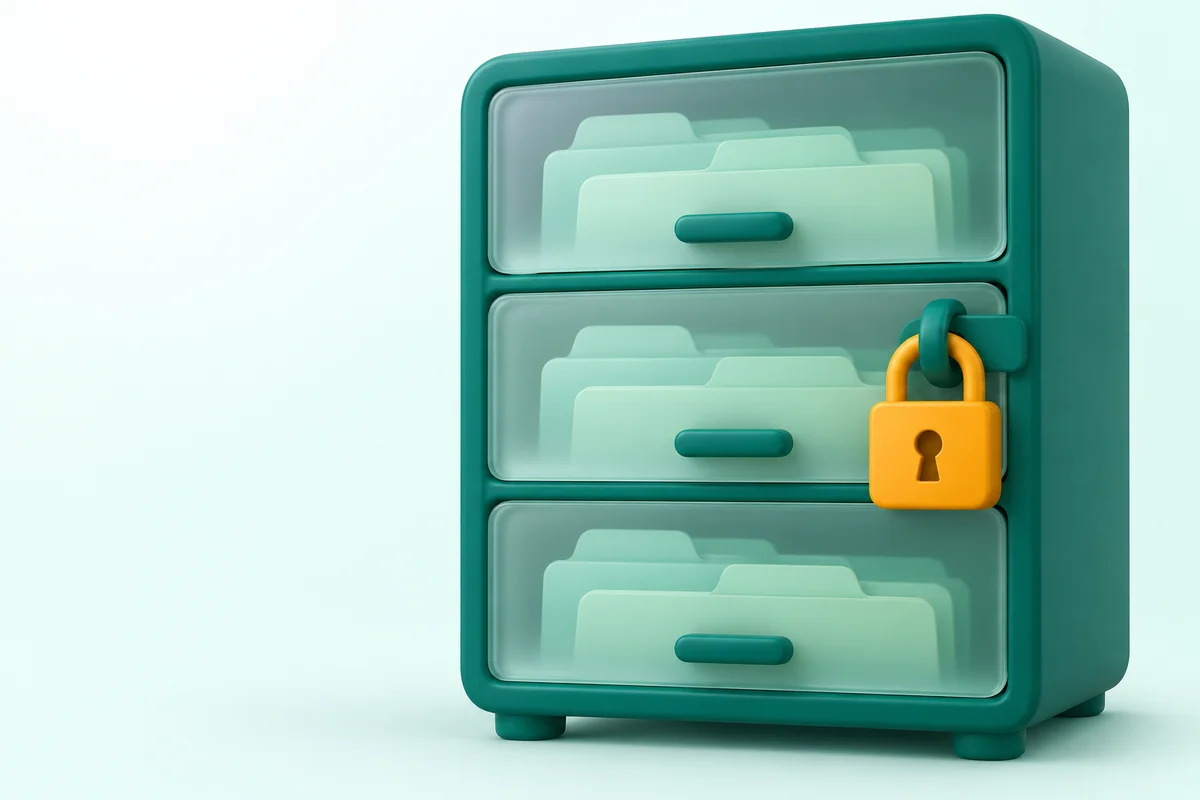
Lock a skill when it holds a procedure that the agent must not change, for example a deploy runbook or a customer reply template.
Hermes can change skills through its background review and the curator. That helps for test skills, but it is a risk for a procedure that your team approved. The new commands are:
hermes curator lock <skill>
hermes curator unlock <skill>
hermes curator status
The agent can still read and use a locked skill. But skill_manage, write_file, patch, and terminal refuse each change, also in cron jobs, subagents, and --yolo mode. The agent cannot unlock the skill, but your own edits in an editor still work.
The curator documentation says that the lock is a policy check, not a sandbox. Hermes does not inspect a script that writes through its own logic, or execute_code. For a hard boundary, add file system permissions.
What does the blocking pre_llm_call hook do?
The pre_llm_call hook can now stop a turn before any model request, so a blocked prompt uses no tokens.
A plugin returns {"action": "block", "message": "..."}. The user sees that message as the reply, and the turn makes 0 model calls. Hermes keeps the blocked prompt as placeholder text, so the prompt does not go to a model in later turns, compaction summaries, or external memory.
Example: block a message that contains a card number or a national ID number before it reaches the model provider. Note 1 risk: Hermes skips a callback that fails or runs past the 30-second timeout, and the turn continues.
Write a hook that catches its own errors and returns a block when it cannot decide. Source: Hermes hooks documentation.
Should you move the vault key to the keychain?
On a VPS without a desktop, keep the vault key in a file, because a server without a keyring has no keychain.
The Hermes vault keeps site logins encrypted. By default, the key is in ~/.hermes/vault/vault.key with 0600 permissions. This release adds an option to move the key to macOS Keychain, Windows Credential Manager, or Secret Service and KWallet on Linux:
hermes vault key
hermes vault key migrate --to keychain
hermes vault key migrate --to file
The credential vault documentation lists 3 effects that you must accept before the move:
- Backups and copies of
~/.hermesno longer contain the vault key. - A cron job that runs while you are logged out cannot read the key, so its local logins fail.
- If someone deletes the keychain entry, you cannot open the vault.
How do you upgrade to Hermes Agent 0.22.6 safely?
Record the cron state, update, restart the gateway, and then set the missed-run policy for each job.
- Run
hermes cron listandhermes cron doctor. Record the jobs that have problems. - Update with the method that matches your installation. See the table below.
- Run
hermes gateway restartthrough your supervisor. - Set
--catch-up offor--catch-up onon each time-sensitive job. - Lock your procedure skills with
hermes curator lock <skill>. - Run
hermes cron doctoragain. A successful catch-up run keeps the late warning until the next on-time run.
| Installation method | How to update to 0.22.6 |
|---|---|
| CLI | hermes update, or run the installer command again |
| Docker or Hermes Cloud | Image nousresearch/hermes-agent:stable or :latest |
| Microsoft Store | Update through the Store |
| Desktop from the .exe or .dmg installer | No change yet. It updates with the next bundled release |
If you are new to Hermes on a server, start with our guide to set up Hermes Agent on a VPS. That guide uses version 0.22.5. After you complete it, run hermes update to move to 0.22.6.
Who gets the most value from this release?
Teams with daily cron jobs and teams that share 1 agent get the most value from this release.
| Reader | Most useful change | First action |
|---|---|---|
| Business owner with a morning brief on Telegram | --catch-up off | Set it on the morning brief job |
| Marketer with a weekly report | --catch-up on and cron cancel | Set --catch-up on on the report job |
| Developer or ops team | Skill lock and the pre_llm_call hook | Lock the runbook, then write a hook for sensitive data |
Two points still cause friction. The release notes do not explain the new features, so you must read the documentation page by page. Desktop users who installed from the installer do not get this release yet.
Conclusion: what should you do this week?
Upgrade to 0.22.6 this week if your agent runs cron jobs, and then set a missed-run policy on each time-sensitive job.
The 0.22.6 release notes do not mention a security fix, so this upgrade is not urgent. After the upgrade, lock your procedure skills, and wait for the v0.23.0 notes before you open the Webapp to a public network. For the WhatsApp changes in an earlier version, read our Hermes Agent 0.22.4 summary.
If you need an agent with cron, approvals, and a Telegram allowlist installed correctly, see Hermes Agent Installation Service.
Questions and answers
Must I upgrade to Hermes Agent 0.22.6 now?
No. The 0.22.6 release notes do not mention a security fix. Upgrade this week if your agent runs cron jobs or uses skills that the agent changes.
Does a cron job run many times after a long server outage?
No. Hermes merges all missed slots into 1 catch-up run, or it skips all of them when the job uses --catch-up off.
Can the agent still use a locked skill?
Yes. The agent can still read, load, and run the scripts of that skill. The agent cannot change, delete, or unlock the skill.
Does the Desktop app from the installer get this update?
Not yet. The Desktop app from the .exe or .dmg installer does not change in this release and updates with the next bundled release. The Microsoft Store app updates through the Store.