From the week of 1 December 2026, Google Ads controls Display serving in Demand Gen campaigns only at ad group level. The Google Ads APIAPIThe official door 2 systems use to exchange data, without anybody copying it by hand.Open the glossary team announced this change on the Google Ads Developer Blog on 9 November 2026.
Integrations that still turn off Display at campaign level will fail. The default serving behaviour does not change. Thus your main task is to audit code, reports, and ad groups.
Demand Gen is a Google Ads campaign type for visual ads on YouTube, Discover, Gmail, and the Google Display Network (GDN). Channel controls are ad group settings that select the channels where ads serve.
What changes in Demand Gen from the week of 1 December 2026?
Google moves the only Display control from campaign level to ad group level. Mattia Tommasone of the Google Ads API team listed 4 changes in the post of 9 November 2026:
- The campaign field
network_settings.target_content_networkhas the default valuetruefor new Demand Gen campaigns. - The Display control is in
demand_gen_ad_group_settings.channel_controls.selected_channels.displayand in the channel strategy of each ad group. - The Google Ads API refuses a request that sets the campaign field to
false. The error isOPERATION_NOT_PERMITTED_FOR_CONTEXT. - Ad group channel controls still turn off Display by default. Ads still serve on Google channels such as YouTube, Discover, and Gmail until the advertiser selects Display.
Before this change, a campaign-level Display setting of off overrode the ad group setting. Google says the change gives 1 representation across the API, the Google Ads interface, and Google Ads Editor.
| Level | Field | Status after the week of 1 December 2026 |
|---|---|---|
| Campaign | network_settings.target_content_network | Always true. The Google Ads API refuses false. |
| Ad group | channel_controls.channel_strategy | Selects all Google channels or selected channels. |
| Ad group | channel_controls.selected_channels.display | The only place to turn Display on or off. |

How does Google move existing Demand Gen campaigns?
Google backfills old campaigns from false to true, then changes ad groups so that serving stays the same. The post of 9 November 2026 lists these 4 conditions:
| Ad group condition now | Backfill result | Your action |
|---|---|---|
| Display is off in the campaign and in the ad group | No change. | None. |
Ad group uses ALL_CHANNELS | The strategy changes to ALL_OWNED_AND_OPERATED_CHANNELS. | Select Display in the ad group if you want to reach the GDN. |
| Ad group selects Display with other channels | selected_channels.display changes to false. | Turn on Display in the ad group if necessary. |
| Ad group selects Display only | The ad group changes to PAUSED. | Change its channels and enable it again, or keep it stopped. |
A Display-only ad group did not serve before, because the campaign turned off Display. A Demand Gen ad group must select at least 1 channel, so Google pauses that ad group. Google says this backfill does not change the serving of any campaign.
Who does this change affect?
This change has the largest effect on teams that create or change Demand Gen campaigns through the Google Ads API. These groups must check their systems:
- Developer teams that use the Google Ads API or an official client library.
- Third-party tools that create Demand Gen campaigns from templates.
- AI agents and automations that create campaigns for marketing teams.
- Dashboards that read the campaign field to show the Display status.
Advertisers who use only the Google Ads interface will not see the API error. They must still check paused ad groups and the channel selection in each ad group.
What is the effect on cost, measurement, and team work?
For businesses in Indonesia, the largest risk is timing, because the change starts 11 days before the Harbolnas 12.12 online sale. We see 3 operational risks:
- Campaign creation fails. Old templates that send
target_content_network=falsefail in the week of 1 December 2026, when teams prepare 12.12 campaigns. - Reports give a wrong signal. After the backfill, the campaign field is
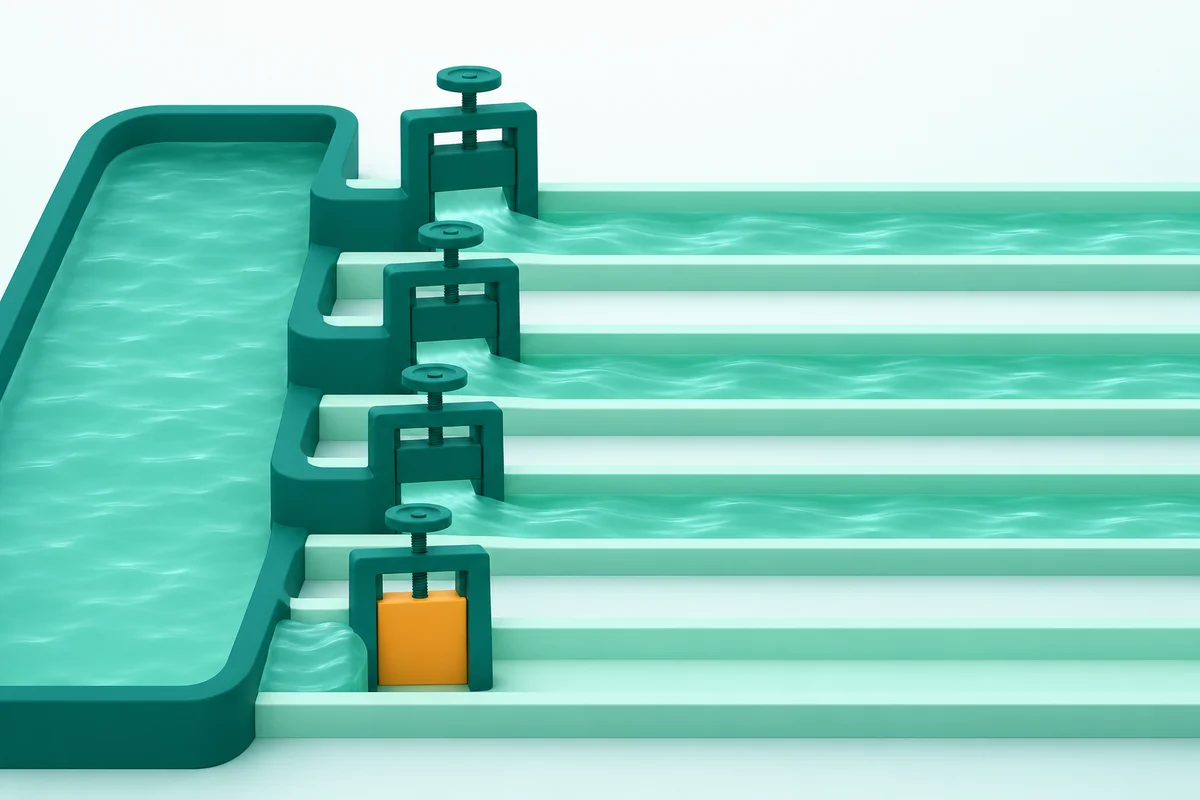
truein all Demand Gen campaigns. A dashboard that uses this field shows Display as on, even when the ad group turns it off. - Budget flows to the cheapest channel. The Google Ads Help page on channel controls says Demand Gen optimises marginal cost across all selected channels. To force spend on 1 channel, Google recommends a separate ad group with a higher target CPACPAThe average cost of 1 result, for example 1 order or 1 qualified buyer.Open the glossary.
This change is more important because Google moves Display campaigns into Demand Gen. The Google Ads Help page on the Display migration says the migration tool started a phased rollout in June 2026. Migrated campaigns select the GDN by default.
How do you audit your account before the week of 1 December 2026?
Audit your code and account by the end of November 2026, so that you have time to test before 12.12 campaigns. Do these 6 steps:
- Find all code that sets
target_content_networkfor Demand Gen campaigns. - Remove the value
falsefrom that code. - Set Display through the channel controls of each ad group.
- Run the GAQL query below to see the Display status of each ad group.
- Record the ad groups that select Display only. These ad groups will change to PAUSED.
- Change your dashboard to read the ad group channel controls. Split Display results with the network segment.
The query in the Google post has 1 missing comma after ad_group.status. We corrected it in the version below:
SELECT
  campaign.id,
  campaign.advertising_channel_type,
  campaign.network_settings.target_content_network,
  ad_group.id,
  ad_group.status,
  ad_group.demand_gen_ad_group_settings.channel_controls.channel_config,
  ad_group.demand_gen_ad_group_settings.channel_controls.channel_strategy,
  ad_group.demand_gen_ad_group_settings.channel_controls.selected_channels.youtube_in_feed,
  ad_group.demand_gen_ad_group_settings.channel_controls.selected_channels.youtube_in_stream,
  ad_group.demand_gen_ad_group_settings.channel_controls.selected_channels.youtube_shorts,
  ad_group.demand_gen_ad_group_settings.channel_controls.selected_channels.discover,
  ad_group.demand_gen_ad_group_settings.channel_controls.selected_channels.display,
  ad_group.demand_gen_ad_group_settings.channel_controls.selected_channels.gmail
FROM ad_group
WHERE campaign.advertising_channel_type = 'DEMAND_GEN'
The full field list is on the Demand Gen channel controls page of the Google Ads API documentation.
Operational conclusion
Use the week of 1 December 2026 as the deadline for your Demand Gen integrations. Move all Display logic to the ad group, change your dashboard, and check paused ad groups before 12.12 campaigns start.
Our team does digital marketing setup and AI business process automation for ad accounts. Also read the guide on Google Ads channel priority and budget allocation.
Questions and answers
Do my Demand Gen ads stop serving on Display from 1 December 2026?
No. Google says the default serving behaviour does not change. The backfill of old campaigns also does not change serving, according to the Google Ads Developer Blog of 9 November 2026.
Which error occurs if an integration still turns off Display at campaign level?
The Google Ads API refuses a request that sets network_settings.target_content_network to false. That request fails with the error OPERATION_NOT_PERMITTED_FOR_CONTEXT.
Why are some of my Demand Gen ad groups paused?
An ad group that selects Display only, in a campaign that turns off Display, changes to PAUSED. A Demand Gen ad group must select at least 1 channel, and that ad group did not serve before.
How do I see Display results in a Demand Gen campaign?
Use the network segment in Google Ads reports. The Google Ads Help Center says you can split Demand Gen results by channel, which includes the Google Display Network.
Must advertisers without the Google Ads API take action?
Yes, but the task is smaller. Check paused ad groups and the channel selection in each ad group. Advertisers without the API will not see the error.