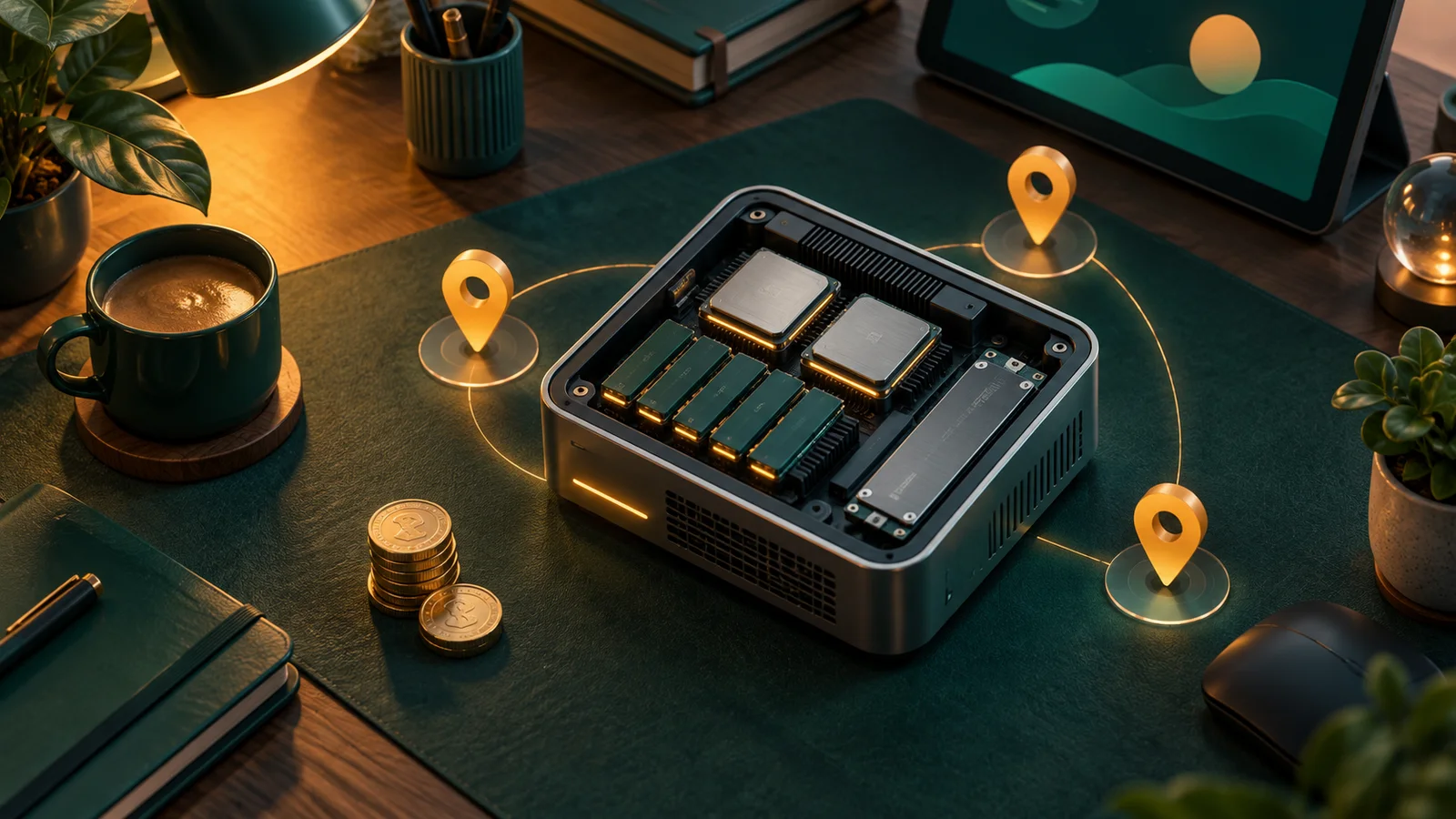
The best VPS for Hermes AgentAI agentAn AI program that performs work steps by itself, for example reading a message, drafting a reply, and recording the result.Open the glossary starts at 2 vCPU, 4 GB of RAM, and a 40 GB SSD disk. Condition: you run 1 or 2 channels, the language model runs on another provider's APIAPIThe official door 2 systems use to exchange data, without anybody copying it by hand.Open the glossary, and the automated browser opens only now and then. Limit: that specification fails if you host a language model inside the same VPS, because that load asks for a GPU and much more RAM.
I wrote this after I helped several people pick a server for Hermes Agent. The mistake repeats itself. People buy many CPU cores and little RAM. Hermes Agent spends most of its time waiting for a model answer on the network. It does not compute that model inside your server.
Best VPS for Hermes Agent: the specification table
Use this table as your starting point. I split it into 3 tiers: Minimum, Comfortable, and Team. The disk column is a Rama Digital estimate from our own installs. It is not a number from the official documentation.
| Tier | vCPU | RAM | SSD disk | Sensible workload |
|---|---|---|---|---|
| Minimum | 2 | 2 GB | 25 GB | 1 light channel, learning, trials |
| Comfortable | 2 | 4 GB | 40 GB | 2 channels, daily operation, routine cron |
| Team | 2 | 8 GB | 80 GB | Several workflows, parallel subagents, small team |
The vCPU column does not grow. That is not a typing mistake. Raise RAM first. Raise vCPU only after you watch the CPU run full.

Where these numbers come from
I used 3 of our own articles as the evidence base. They do not carry equal weight.
Our article on the minimum OpenClaw specification for Telegram and WhatsApp is the only one with a number table. That table states 2 vCPU and 2 GB for 1 light channel, 2 vCPU and 4 GB for daily operation, and 2 vCPU and 8 GB for multi-workflow use or a small team. I follow those numbers.
Our Hermes Agent setup matrix gives a host rule, not numbers. The rule says to pick the smallest host that still meets your restore needs. Our guide on how to install Hermes Agent on a VPS gives the setup order, also without RAM numbers.
So when the numbers differ, I follow the minimum specification article. The reason is simple. Only that article states a number next to its use case, so a reader can check it.
What consumes RAM, and what does not
This is the part people read wrong. The Hermes Agent load sits in 2 places: inside your VPS, and on the network. You pay for the first place only.
Inside the VPS, 3 things consume RAM.
The runtime. The official installer sets up uv, Python 3.11, and Node.js v26. Node.js drives browser automation and the WhatsApp bridge. The official installation page lists those dependencies, so this is a platform fact, not my guess.
The browser profile. Hermes Agent drives Chromium through Playwright. The --with-deps step installs system libraries such as libnss3 and libxkbcommon that Chromium needs. One Chromium window holds many processes. This is the largest RAM jump, and it explains why a 1 GB plan fails.
The database and the logs. Hermes Agent stores conversation history and searches it with FTS5. Think of a notebook that carries its own index. It is small on day 1, then it grows each day. Disk runs out slowly, not suddenly.
On the network side, 1 item dominates: the model call. Your prompt travels to the provider API, the model thinks on their hardware, then the answer returns. Your VPS CPU sits almost idle during that wait. If you use the cloud browser through the Nous Portal Tool Gateway, the browser load also moves out of your VPS.

The practical conclusion fits in 1 line: buy RAM, do not buy vCPU.
Pick a server region for Indonesian users
Region changes your waiting time, not the capability. Hermes Agent still runs on a server in the United States. You simply wait longer at each step.
I measured this myself. The numbers below are TCP connect times from 1 home connection in Indonesia, 3 measurements per region, on 11 September 2026. This is 1 measurement point, not a benchmark. Your result will differ.
| Endpoint region | TCP connect time | What it means for you |
|---|---|---|
| Singapore | 26 ms | First choice for Indonesian users |
| Frankfurt | 214 ms | Feels slow over SSH and in chat replies |
| New York | 278 ms | Avoid it when customers use the channel |
Take Singapore or Jakarta. At 26 ms an SSH session feels like a local terminal. At 278 ms each keystroke feels delayed, and that wears you down while you fix a problem during busy hours.
One legal note deserves your attention first. If Hermes Agent stores messages from Indonesian customers, ask your legal team whether that data may leave the country. I do not give legal advice here.
Monthly cost estimate and how to read it
I do not print a provider price that I did not check. What I can quote is the official Hermes Agent README. It says the agent runs on a "$5 VPS". So the cheapest server class is called workable by the people who build the agent.
The rest is a Rama Digital estimate range as of September 2026. It is not a quotation, and it is not an official provider price.
| Tier | Estimated range per month | Not yet counted |
|---|---|---|
| Minimum | USD 5 to 8 | Snapshots, egress above quota |
| Comfortable | USD 10 to 20 | Snapshots, daily backup, extra disk |
| Team | USD 25 to 45 | Backup, extra disk, second IP |
Model cost is absent from this table, and that matters. Your model API bill is separate from your VPS bill. Under busy daily use, the model bill can pass the server bill. Check the pricing page of your model provider before you decide.
A simulated purchase for a small team
This section is a simulation with dummy data. I made the numbers up to show how to read the decision. These are not client results.
Starting condition. The example team has 4 people. They use 1 Telegram channel for operators and 1 WhatsApp channel for customers. The starting server holds 1 vCPU, 1 GB of RAM, and a 20 GB disk.
Input. 60 inbound messages per day. 3 cron jobs per day. 1 research task per day that opens the browser.
Steps. First, record the RAM in use while idle. Second, run the browser task and watch the RAM. Third, record the peak value. Fourth, compare it against capacity.
Observable output. In this dummy data: idle use reads 0.9 GB. With the browser open, the peak reads 1.8 GB. Capacity is only 1 GB, so the system swaps, then 1 cron job dies out of memory.
Decision. Move to the Comfortable tier: 2 vCPU, 4 GB of RAM, and a 40 GB disk. A peak of 1.8 GB then leaves headroom, and that headroom carries the case where 2 tasks start close together.
I see this pattern again and again. The failure does not appear while the agent idles. It appears when the browser and a cron job happen to run at the same minute.
Checklist before you pay
- Pick 4 GB of RAM if you run more than 1 channel.
- Pick the Singapore or Jakarta region if your users sit in Indonesia.
- Confirm the provider offers manual snapshots, then test 1 restore before production.
- Confirm you hold root or sudo access, because Chromium needs system libraries.
- Check the monthly egress quota, not the monthly price alone.
- Install
git,curl, andxz-utilsfirst on Debian or Ubuntu. - Add 2 GB of swap as a safety net, never as a substitute for RAM.
- Write down who owns the server and who may stop it.
What to avoid
These 3 options look cheap, then they take your time back.
| Option | Why it fails |
|---|---|
| Shared hosting or cPanel | No root. Long-running processes get killed |
| A 1 GB RAM plan | Chromium and cron collide. Jobs die |
| A provider with no snapshots | One bad config means you start over |
One more trap is quieter: a plan that advertises unlimited CPU but applies a hard cap behind the scenes. If the pricing page states no CPU use policy, assume the cap exists.
Questions and answers
Is 2 GB of RAM still sensible for Hermes Agent? Yes, for 1 light channel, for learning, and for trials. Move to 4 GB once 2 channels carry daily work.
Do I need more than 2 vCPU? Rarely. The language model runs on another provider's API, so your VPS CPU waits on the network. Raise vCPU only after you watch it run full repeatedly.
How much disk should I take? Take 40 GB for daily use. Conversation history, logs, and the browser cache grow each day, so the disk fills up slowly.
Is a Singapore region mandatory? It is not mandatory, but it helps. My measurement from 1 connection in Indonesia gave 26 ms to Singapore and 278 ms to New York.
Can I run a language model on the same VPS? Not on the specifications in this article. A local model needs a GPU and much more RAM, so that becomes a separate server decision.
What should I prepare before the install? Prepare a hardened SSH user, sudo access, and 1 model provider only. The full order sits in our install guide.
Sources
- Minimum OpenClaw specification for Telegram and WhatsApp supports the RAM and vCPU numbers in the 3 tiers.
- Hermes Agent setup matrix supports the rule to pick the smallest host that meets your restore needs.
- How to install Hermes Agent on a VPS supports the setup order and the basic needs before install.
- Hermes Agent installation documentation supports the dependency list: uv, Python 3.11, Node.js v26, ripgrep, ffmpeg, and the Chromium libraries.
- Official Hermes Agent repository supports the quoted cheapest server class and the supported channel list.
- TCP connect measurements taken on 11 September 2026 support the 26 ms, 214 ms, and 278 ms figures. That is an observation from 1 connection, not documentation.
Next step
Once you know which tier you want, the rest is installation order. I wrote that order in our guide to installing Hermes Agent on a VPS.
If you would rather have us build it and hand it over ready to use, see our Hermes Agent installation service.